Dev Toggles for Simulating UI States
When building frontend apps, getting the UI into different states is tricky because local APIs are fast and rarely fail. You want to see what happens when the user isn’t logged in, hasn’t paid, has no data yet, or when a request takes a few seconds—but your local environment is too stable to trigger these naturally.
I add simple toggles directly in the app UI, available to admins or specific users:
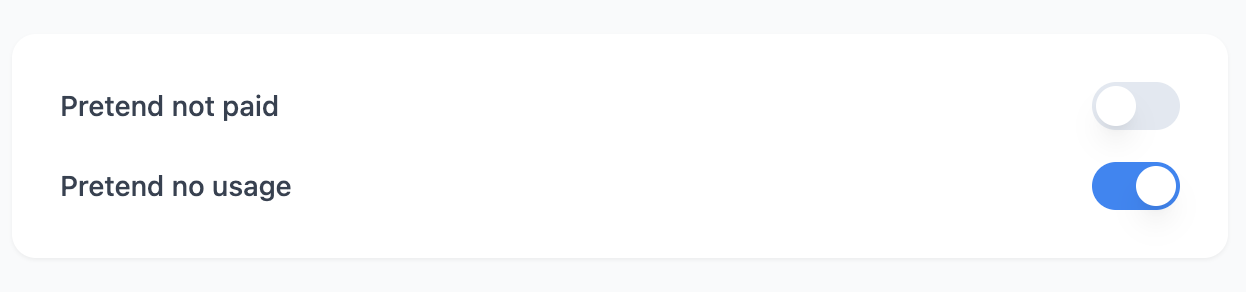
These toggles let you flip conditions like “Pretend not paid” or “Pretend no usage” without touching code. The app checks these flags and renders the appropriate state—loading skeletons, error toasts, empty states, upgrade prompts, login screens.
This isn’t usually for testing functionality—it’s for forcing certain states so you can design and implement the UI more easily. When you need to style an empty state or tweak a loading skeleton, you don’t want to delete data or throttle your network just to see it.
I usually render the toggle UI only in development builds, tucked in a corner or behind a keyboard shortcut.
Why This Works Well
- Toggles work at runtime — no build step changes needed
- Anyone can flip a switch without editing code
- You see how the UI looks in any scenario instantly
- Wrap the toggle UI in
if (process.env.NODE_ENV === 'development')to keep it out of production
The overhead is minimal and it makes testing edge cases painless.